Windows
MaintenanceWindows 10 and later · 64-bit · 3.8 MB
LunarSMP Client
Pick your system to get started.
Windows 10 and later · 64-bit · 3.8 MB
Planned after the Windows release
Planned after the Windows release
Install
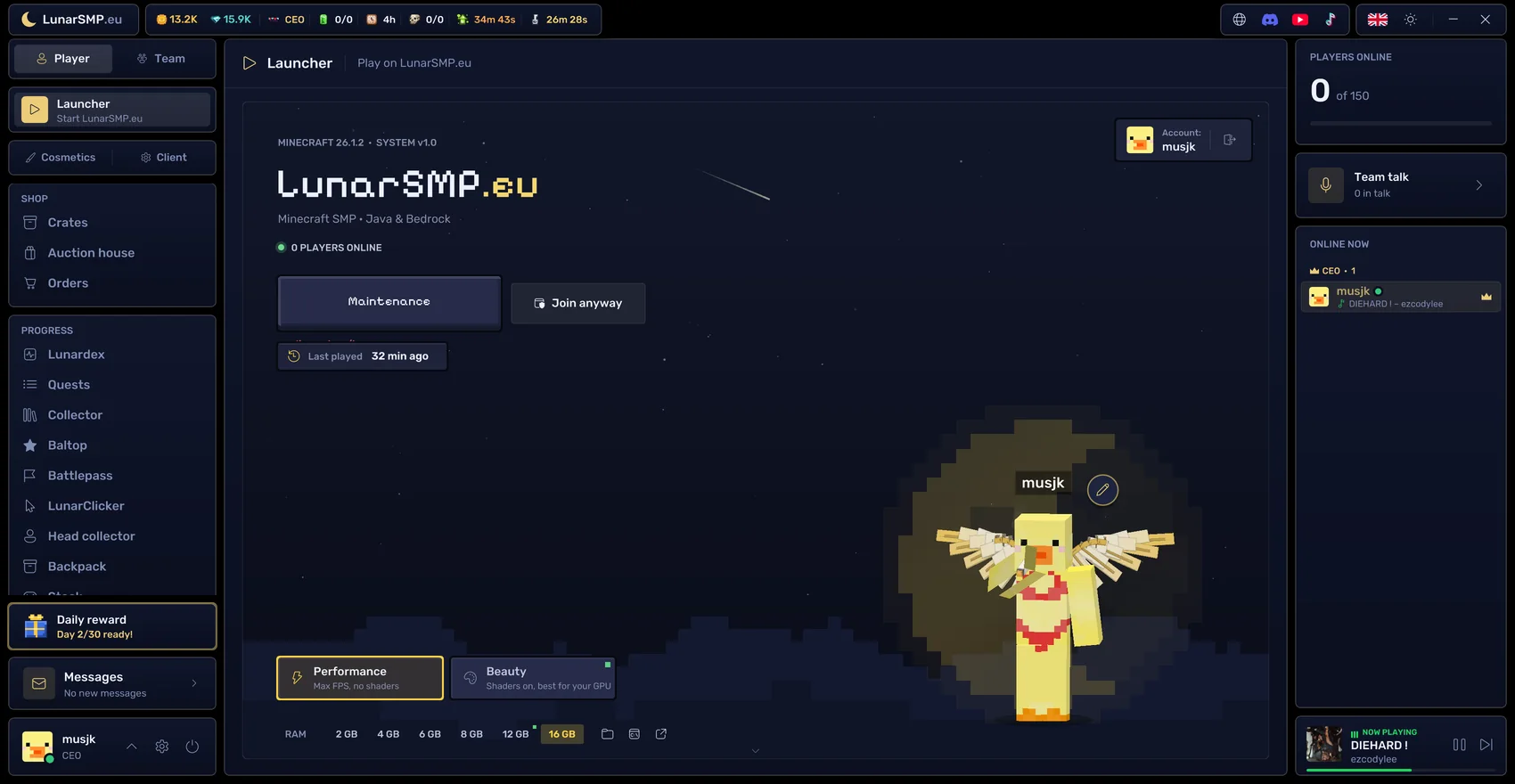
Grab LunarSMP.exe from this page. It's a single small file.
It installs itself, adds LunarSMP to your start menu and keeps itself up to date.
Sign in with your Microsoft account and press Play. You land straight on LunarSMP.
Something not working? Open a ticket on Discord and we'll help.
What you get
FAQ
Yes. You only need a Minecraft Java account.
No. You can join on lunarsmp.eu with Java or Bedrock. The client adds the HUD, cosmetics, voice chat and the Esc menu.
The client is new and not signed yet, so Windows may show a SmartScreen warning the first time. Click "More info" and then "Run anyway". Only download it from this page.
No. The client is built for LunarSMP only.
Open Windows Settings, go to Apps and remove LunarSMP like any other app.